Experience the charm of Cape May with Coastline Realty. Our expert team is dedicated to finding the perfect vacation rental for your unforgettable getaway. Discover essential information to make your stay seamless. From check-in details to local tips, we've got you covered. Need more assistance? Our rental specialists are happy to help. Please contact your rental agent, or reach out to our office directly at (609) 884-5005 or [email protected].
To make a secure online payment for your Coastline Realty reservation, please log in to the RealTime Rental Tenant Portal at the following link below if you've already created an account for your reservation.
If you have not created an account for the RealTime Rental portal, please reference your lease and/or booking email for the link to setup your account, or contact your rental agent or our office and we will assist.
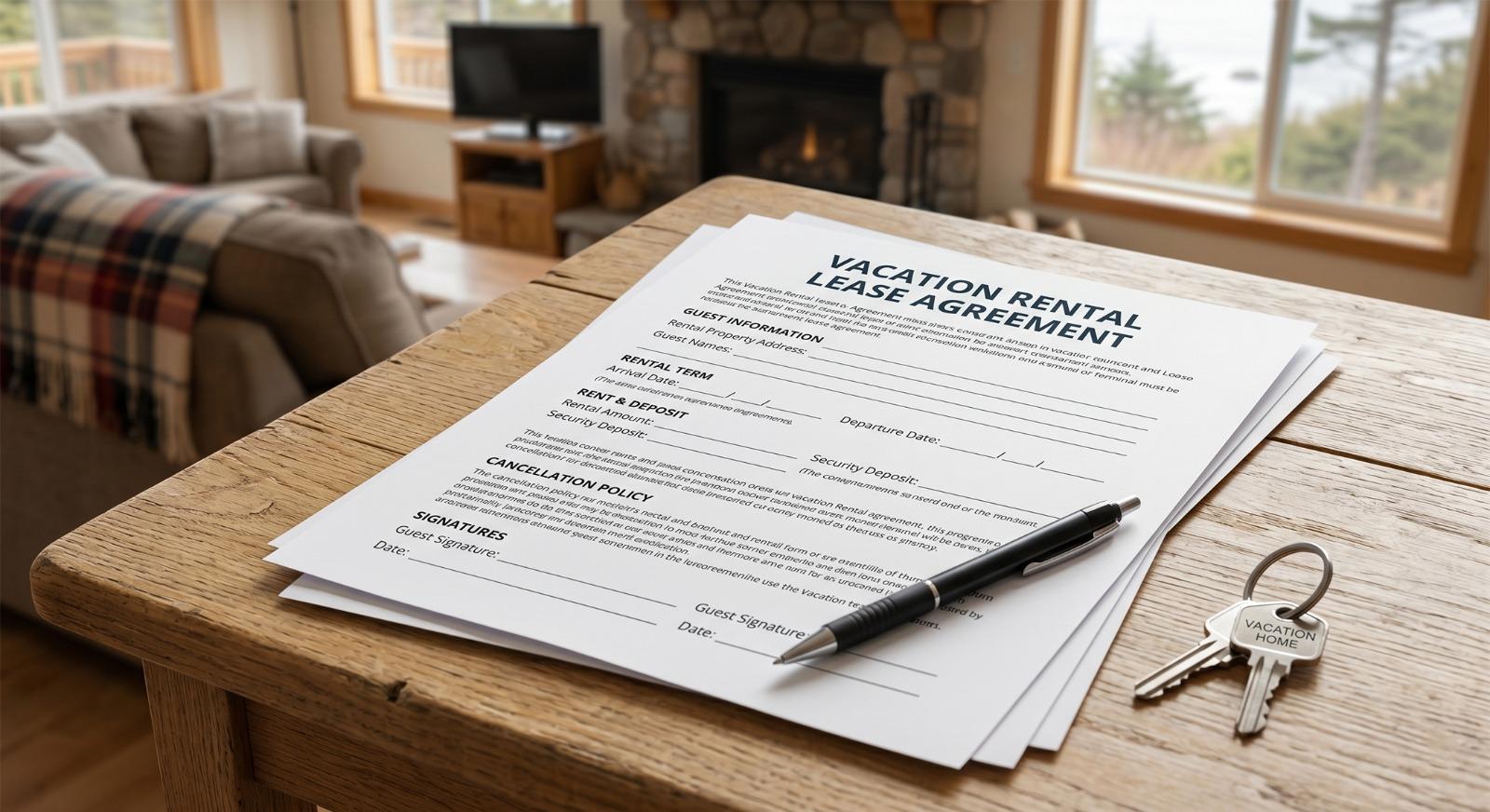
Curious about your rental responsibilities? Review our sample lease. Please note, it's a sample only and terms vary between each property and our lease is periodically updated. Please review your specific lease for full terms and details.
1) What If I forgot my username and/or password for my Tenant Portal on RealTime Rental? You can use the "Forgot your Username" or "Forgot your password" tools on RealTime Rental's Tenant Portal login page found here (Tenant Portal - Pay Online). If you've signed up for an account through our office these will help recover your access details.
2) What if I tried everything and still cannot log into the Tenant Portal? It is likely that you have not created an account tied with your reservation yet. You can either look back at your booking email for the unique URL link provided on it to setup your account, or reach out to your agent or our office. We can send you the account setup link for your reservation, or reset your account so you can setup a new account.
3) Why does the Online Payment Portal not allow me to make payments towards my Lease? The payment tab for guests to make payments becomes active after the office has received your signed lease and processed it. This takes place normally within 30-60 minutes upon receipt during normal business hours. If you've signed up for the Tenant Portal already, you'll receive an email updating you when payments are available. Our office is open 9AM-5PM everyday besides Sundays when we are open 11AM-3PM.
4) Can I provide you with payment details over the phone? Our standard policy is that guests initiate all online payments through the secure Tenant Portal themselves for credit card, debit card, or e-check (ACH) payments. For guests who originated through VRBO/HomeAway/Expedia, for non-security deposit payments our office will use the payment method provided at booking and you do not need to manually submit non-security deposit payments.
5)Are there any additional fees or taxes that I should know about? If paying by the online payment portal through RealTime Rental, there is a 3.00% fee for any credit card payments and there are zero fees for e-check (ACH) payments. There are no additional fees to pay by personal check (accepted 30+ days prior to arrival), cashier's check, money order, or exact cash. There is no sales tax, occupancy tax, or other fees.
6) How do I pay the refundable Security Deposit? Refundable Security Deposits cannot be paid by credit card or debit card. They can be paid by e-check (ACH payment) using a checking account through the RealTime Rental Tenant Portal. Otherwise, Security Deposits can be paid by personal check if received 30+ days prior to your arrival date, or within 30 days of arrival you can pay by cashier's check, a money order, or exact cash.
7) How close to arrival can I make payments using the Online Payment Portal? Online payments on the Tenant Portal which guests can initiate themselves are available up to 11 business days prior to your arrival date. Please note, depending on holidays or other banking holidays this may be adjusted based on the payment processing company. We recommend initiating your payments before this deadline as final payments are 60 days prior to your arrival unless initially booked within this 60 day period.